Viewing Event Attendee List In Eventbrite
Eventbrite - Discover Great Events or Create Your Own & Sell Tickets
Made by Vincent Aguirre with Scribe
1. Navigate to https://www.eventbrite.com/
2. Click "Sign In"

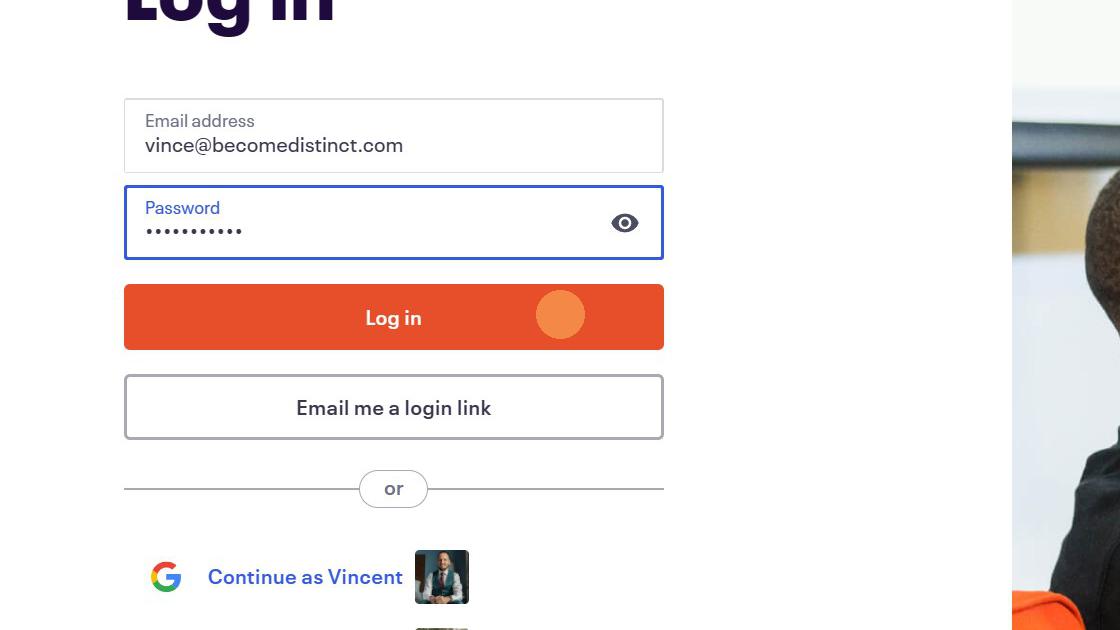
3. Click "Log in"
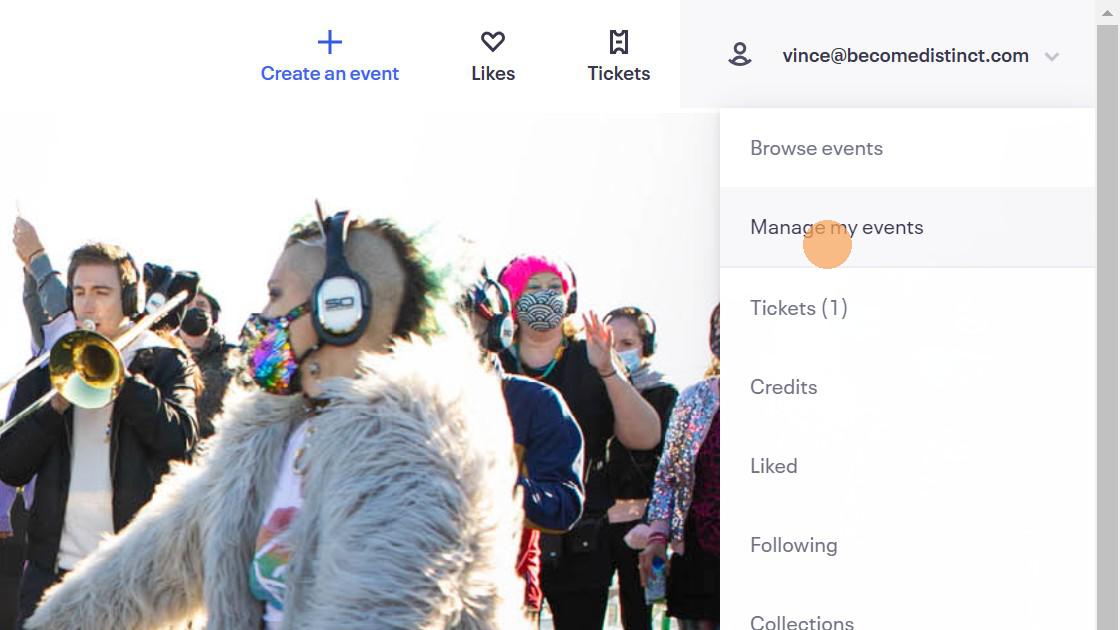
4. Click "Manage my events"
5. Click here.

6. Click "2000 S Jackson St"
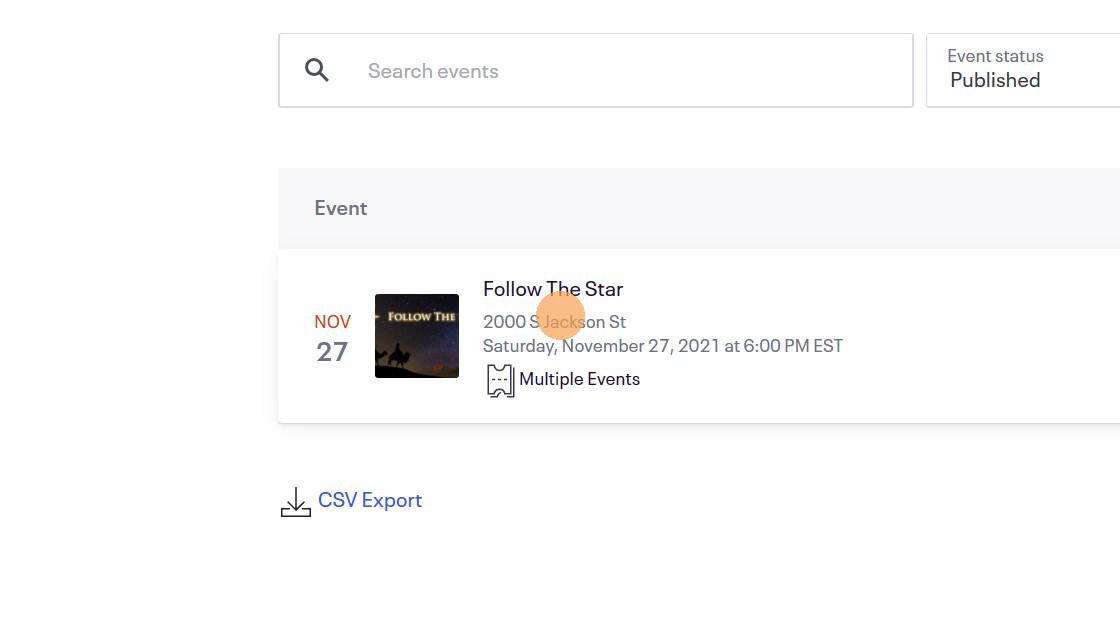
7. Click "All Occurences" and select the specific date/time for report.
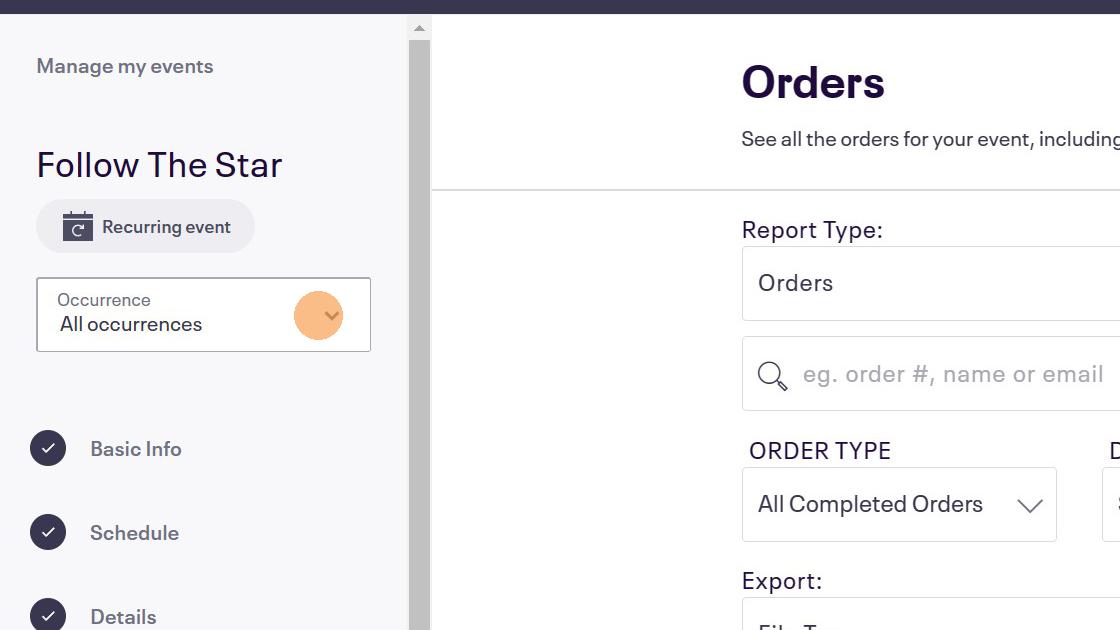
8. Click this icon.
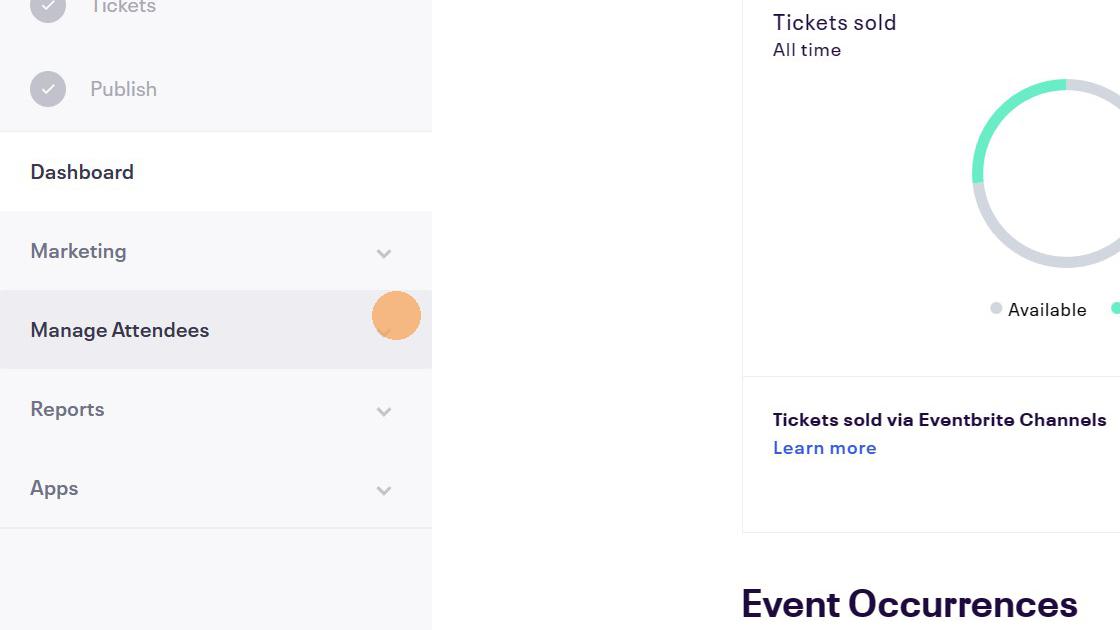
9. Click here.
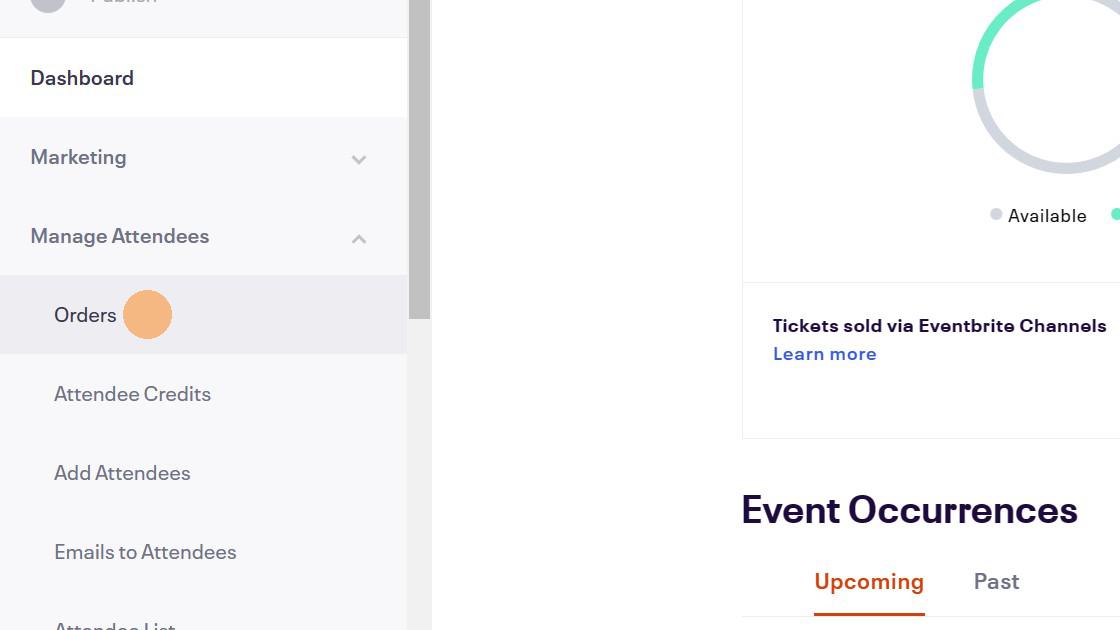
10. Click "Print Preview"
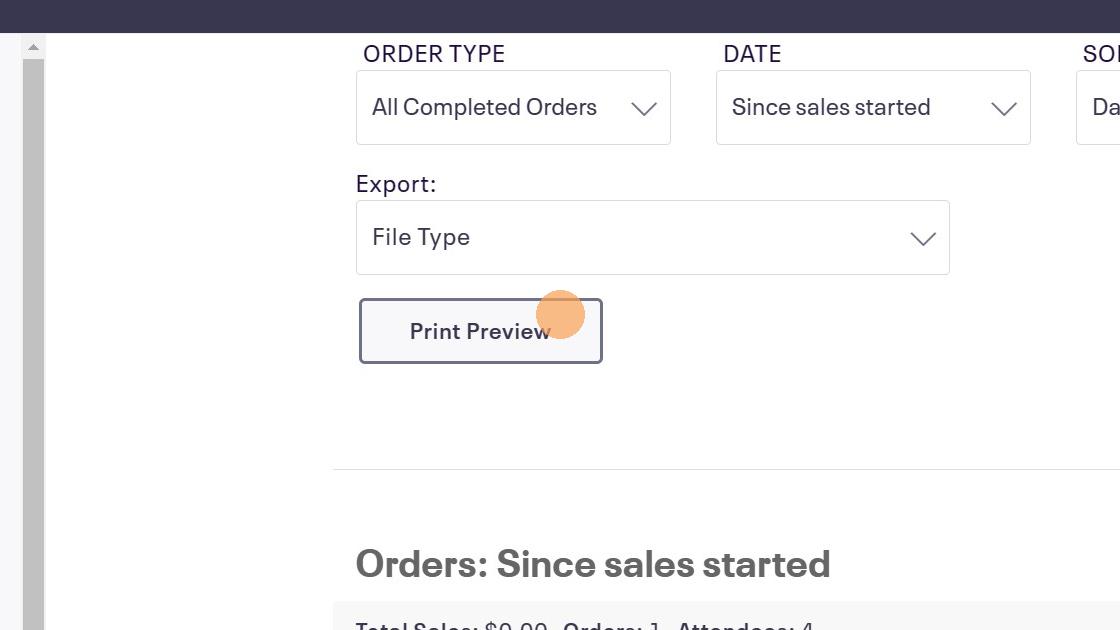
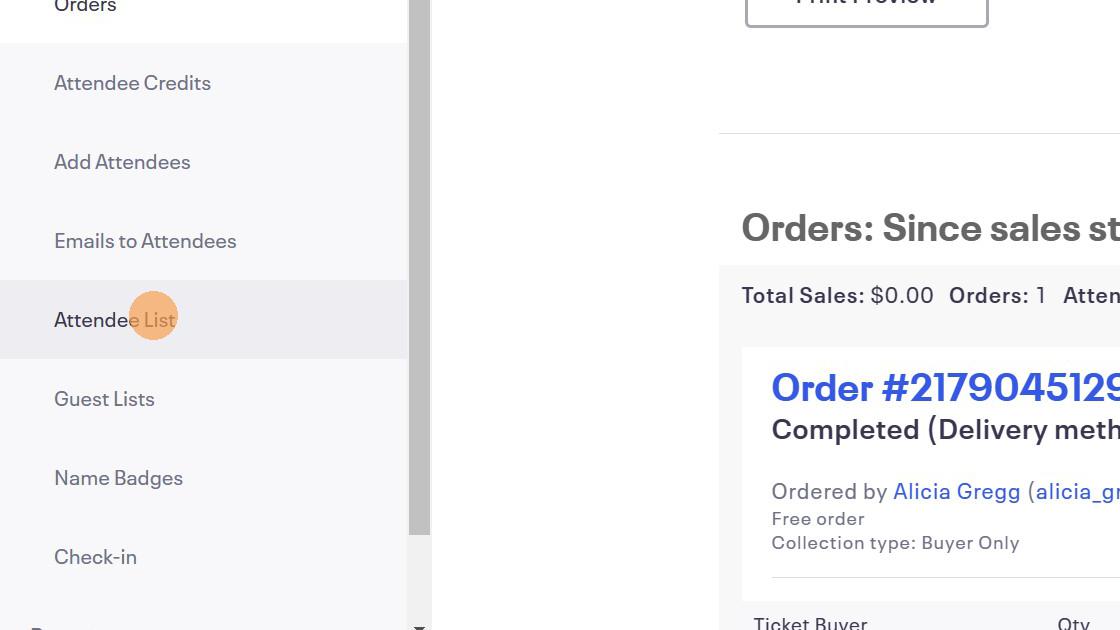
11. Alternatively you can download an attendee list with checkboxes by clicking "attendee list"
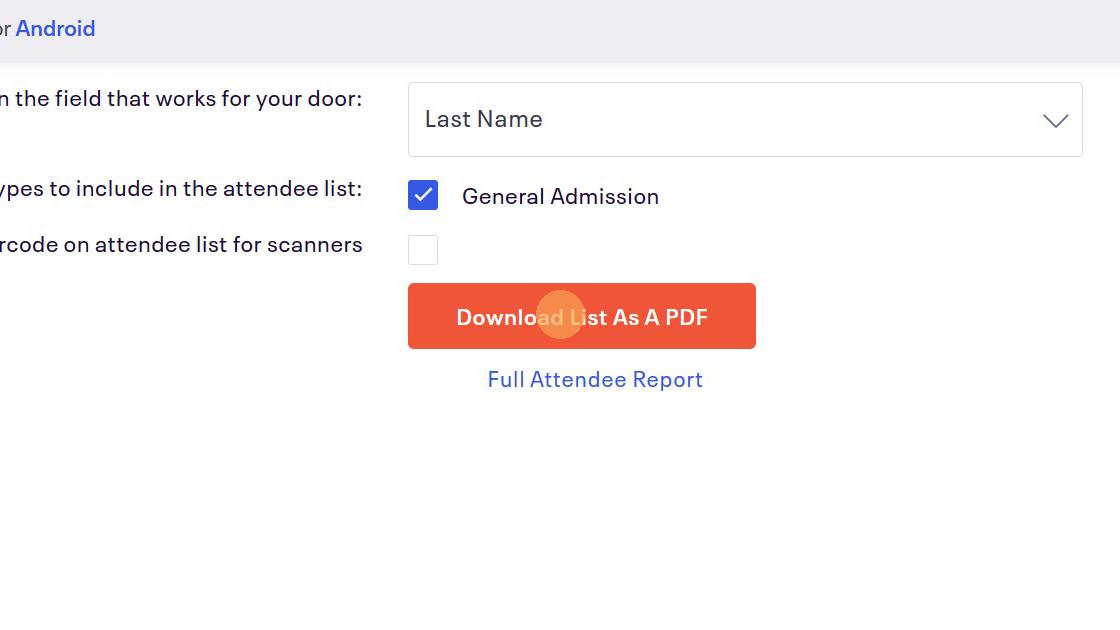
12. Click "Download List As A PDF"